info@ubh.de +49 (0) 94 38 / 94 99 - 200
DE EN

Digital Customer Service with wEBV

Service Management on IBM i – Back Office, Dispatching, and Technicians Connected in the ERP

Digital Illustration
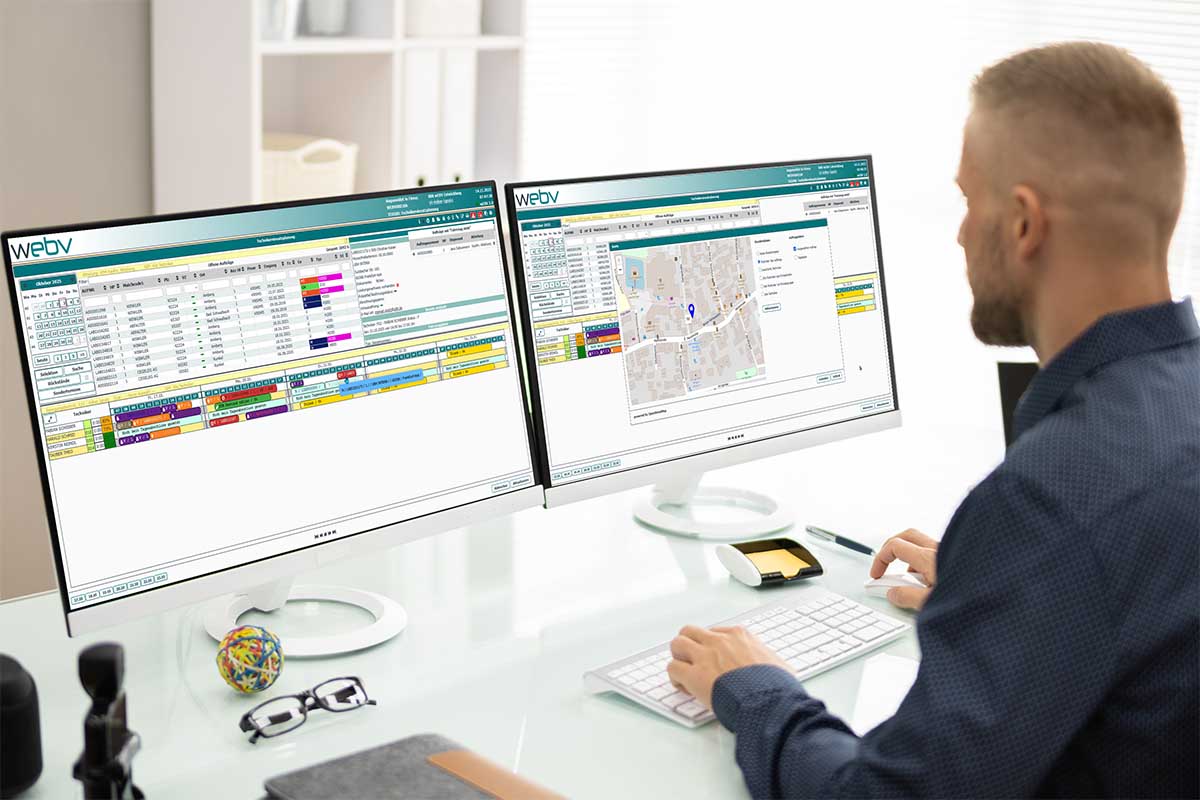
With wEBV, you connect back-office staff, dispatch planning, and service technicians in an end-to-end ERP process. Orders, appointments, customer and vehicle data, navigation, as well as documents and images are available on mobile devices. Modern service management on IBM i – without additional isolated solutions. The technician dashboard makes central dispatch planning usable on mobile devices. Scheduled orders, modifications, and relevant dispatch data are available to the technician directly on the smartphone – without detours via a laptop or logging into the full ERP system.

ERP for customer service – end-to-end service processes from order to billing

The technician dashboard is part of an end-to-end service management process in the ERP. From centralized order entry through technician dispatch planning and mobile order processing to invoicing, all process steps mesh seamlessly – with direct feedback into the system and a shared database.
Lager Illustration

Order entry – as flexible as your customers

Our order entry system adapts perfectly to your customers' working methods: whether the appointment request is received by phone or email, the order is immediately entered into the schedule. It is even easier via our customer platform: here, your customers enter appointments directly online, and the orders are created automatically. The wNotify App also makes things easy on site: your technician enters the desired appointment directly and the order is immediately available in the ERP system.
Digital Illustration

Resource planning – transparent and coordinated

Orders from the ERP system are optimally distributed among your technicians, taking into account capacities, qualifications, and priorities. Map views and GPS data allow you to keep track of locations and deployment sites at all times. Absences such as vacations or training courses are automatically incorporated into the planning. Each technician receives an individual deployment overview and reports back digitally on the processing status. Thanks to a direct ERP connection, the entire order processing runs seamlessly and is mobile.
Lager Illustration

Order processing – fast, digital, efficient

Your technicians record all job data digitally – from working and travel times to kilometers driven and items installed. Interfaces to manufacturer programs enable items to be conveniently transferred directly to the order. At the end of the day, the technician creates a complete daily statement with just a few clicks. After being checked by the operations manager, the data is immediately used for billing and automatically transferred to the payroll program – error-free and efficient.
Digital Illustration

Billing – automated and updated daily

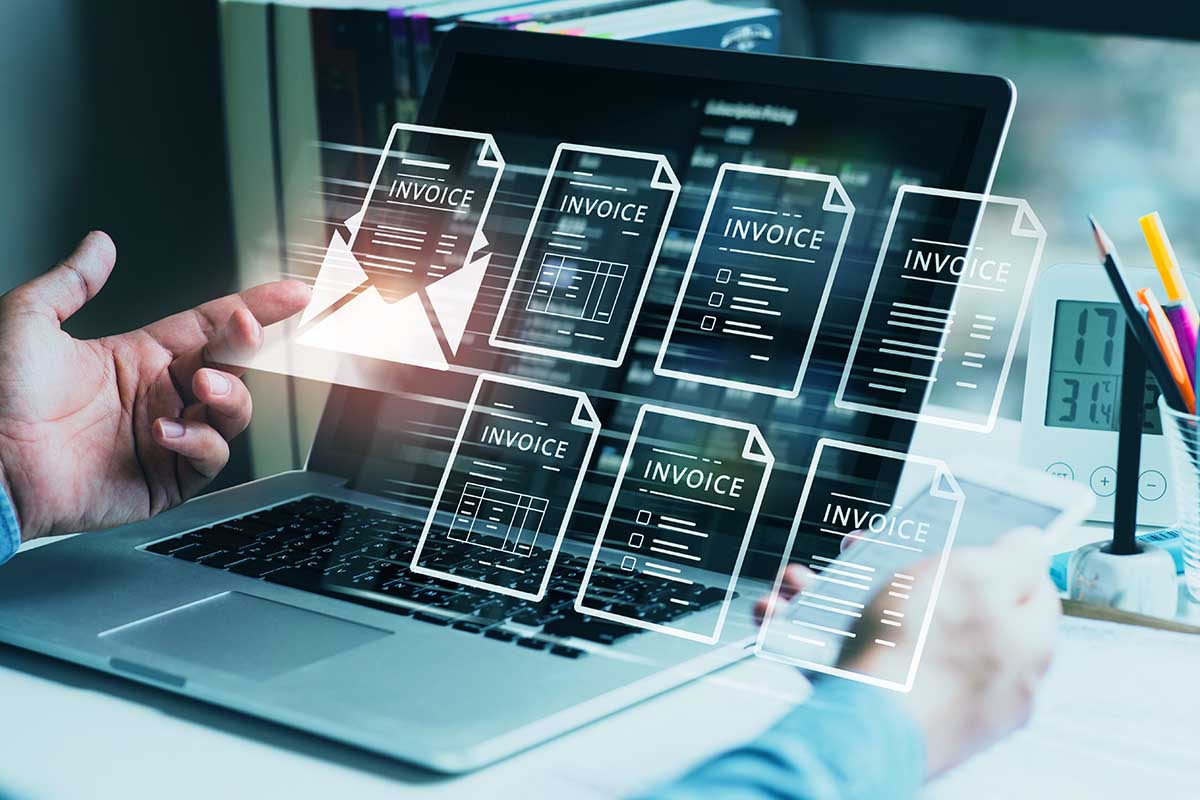
Our software generates invoices fully automatically via defined billing cycles. Standard cases are billed reliably in the background – without manual effort and based on individually definable parameters. For customer- or order-specific requirements, manual checks can be carried out at any time – in a targeted, traceable and transparent manner. Follow-up work such as warranty or goodwill claims can also be mapped efficiently – supported digitally or manually, always along with complete documentation.
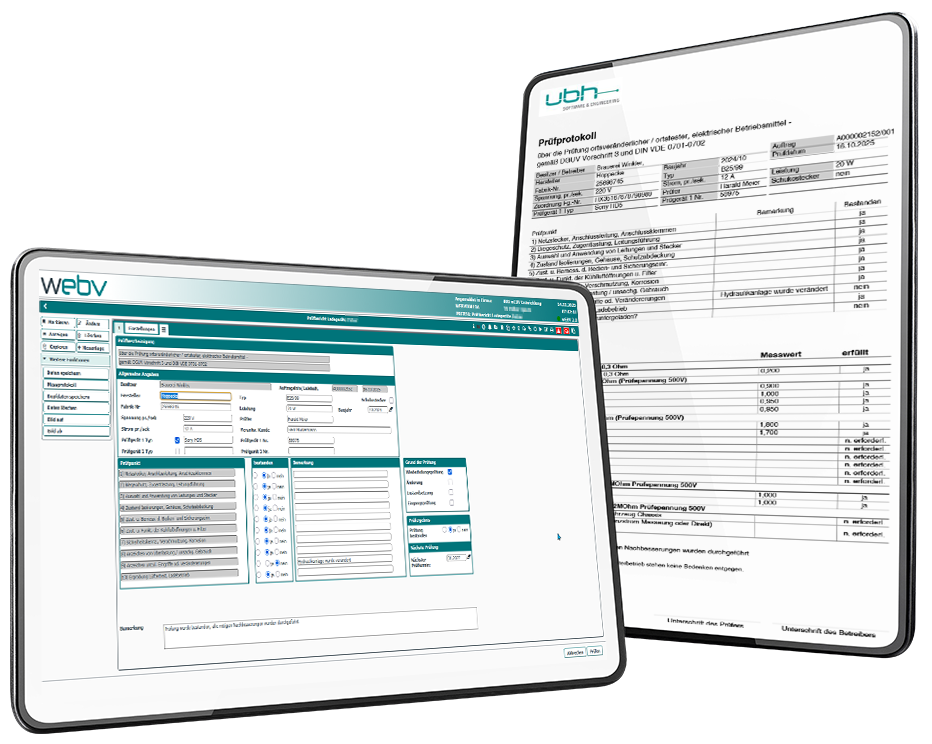
We offer a particularly efficient solution for recurring inspections: orders are created automatically after coordination via the “Inspection Dates” portal – quickly, precisely,and without additional effort. Configurable recording and printing options are available for time-saving and transparent documentation of inspection work.

Digital Illustration

Does wEBV fit into your existing IBM i / AS400 system landscape?

Talk to us. Together, we evaluate how wEBV supports your inventory management, customer service, and commercial processes – as a comprehensive ERP platform or as a targeted extension of existing core systems.
* Required fields. For security reasons, special characters (such as < > { } [ ] \ /) are automatically removed. 0 / 2000

UBH GmbH
Jubatus-Allee 2
D-92263 Ebermannsdorf

www.ubh.de

+49 (0) 94 38 / 94 99 - 200

sales@ubh.de